

Folder settings
Right-click a folder and choose Folder Settings…. What you set there applies to every request in the folder and in the folders inside it, so you write it once: the same login, the same header, the same checks.
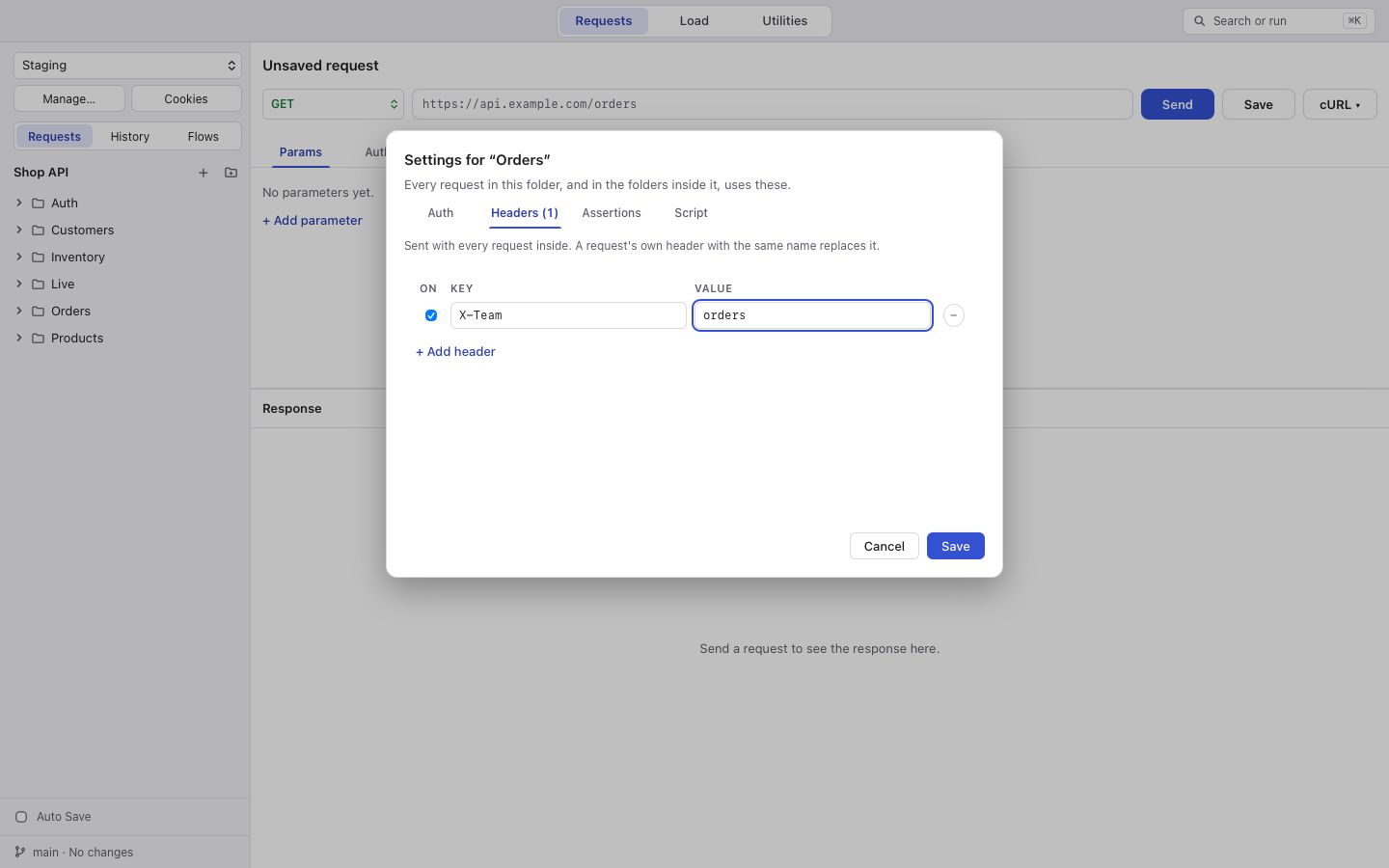
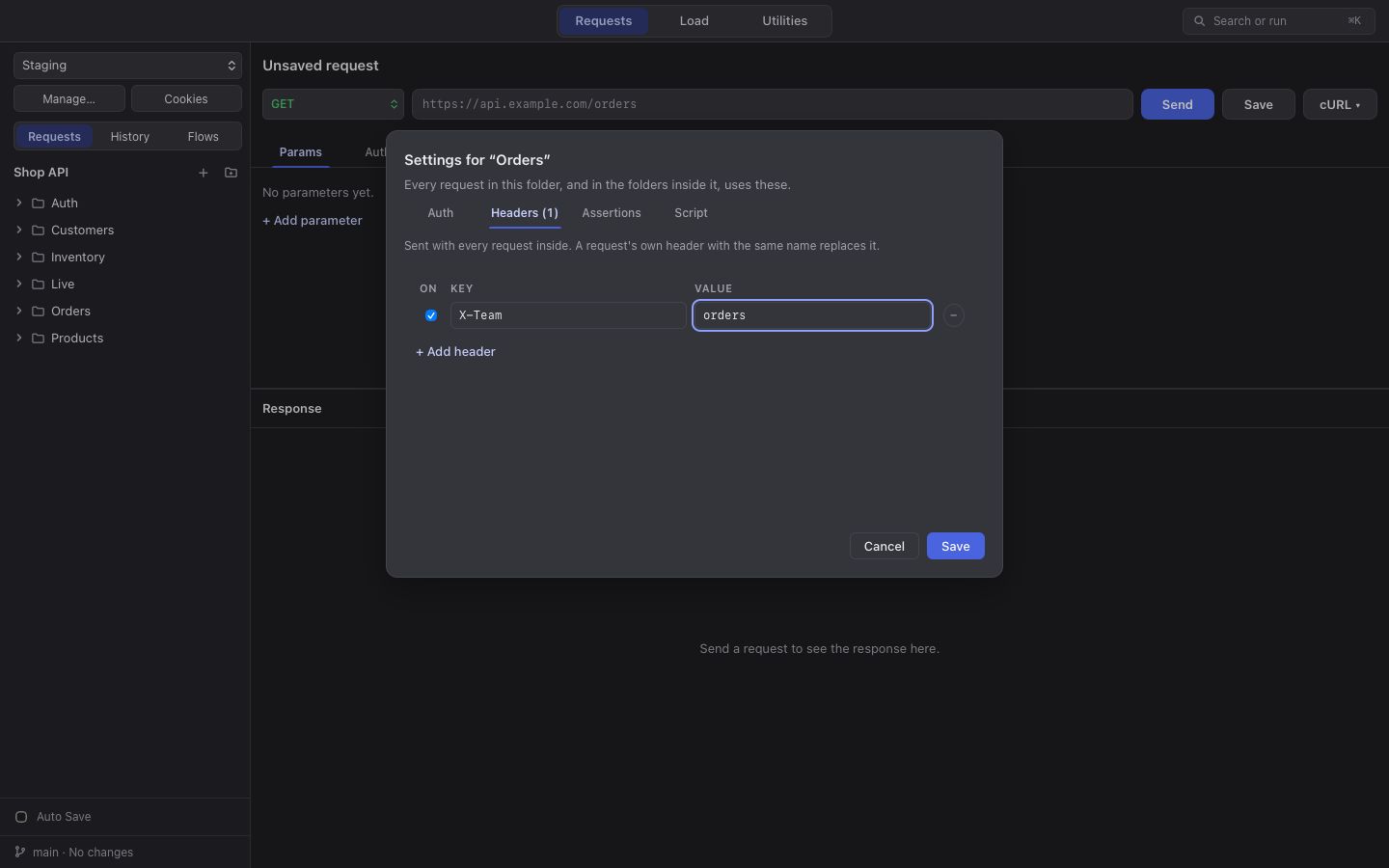
| Tab | What every request inside gets |
|---|---|
| Auth | The auth of requests set to Inherit (the nearest folder with auth wins, then the collection’s). See Auth. |
| Headers | These headers. A request’s own header with the same name replaces one, and an inner folder’s replaces an outer one’s. |
| Assertions | These checks, after the request’s own. See Checks. |
| Script | These scripts, after the collection’s and before the request’s. See Scripts. |
A request shows what it gets: folder headers appear on its Headers tab with the folder’s name, folder checks under its own on the Assertions tab, and the Script tab says which folders’ scripts also run.
Send, the Test Runner, flows, load tests, the command line, Copy as cURL and the Newman and k6 exports all use
them. The settings are kept in the folder’s .folder.json, so they are shared with the collection.
A request that is not saved in a folder gets none of them. WebSocket, Server-Sent Events and gRPC requests get the
folder headers (except Content-Type) but not its checks or scripts.