

Building a request
A request has a method, a URL and a row of tabs: Params, Auth, Headers, Body, Assertions, Script and Settings.
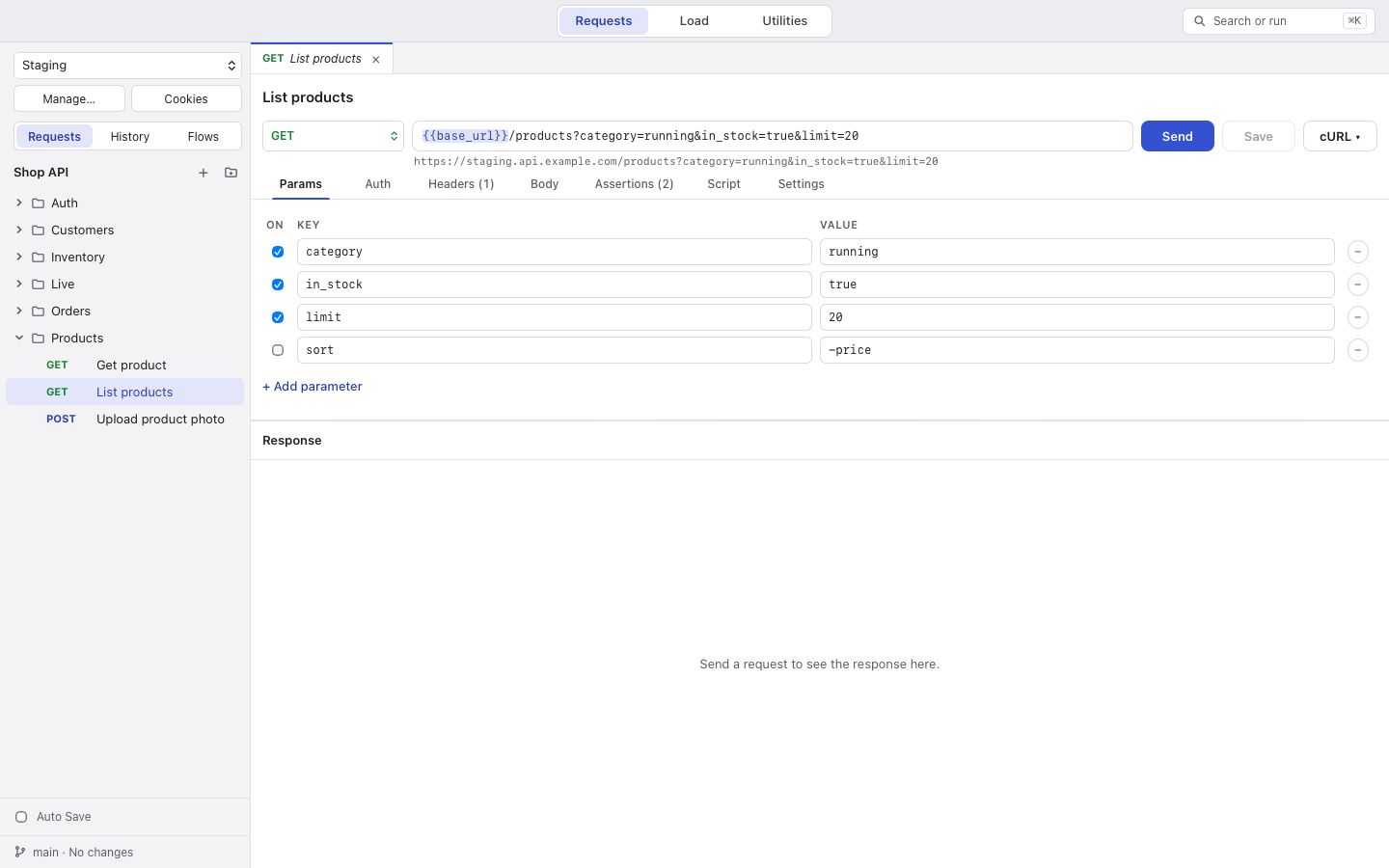
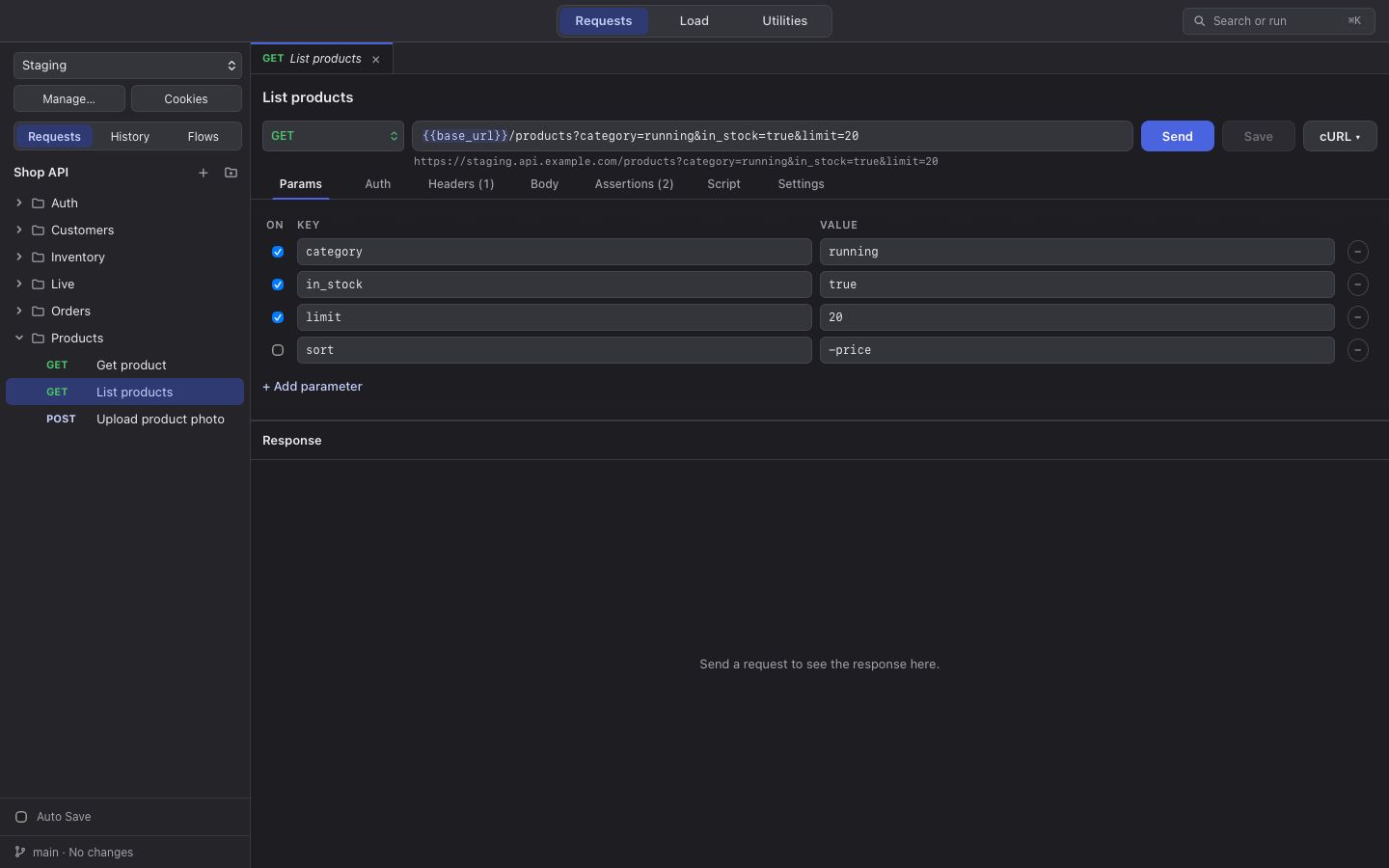
URL and query parameters
Section titled “URL and query parameters”The URL and the Params tab stay in step both ways: type ?page=2 in the URL and a row appears; edit a row and the
URL changes. Untick a row to keep it without sending it. Rows with neither a name nor a value are not saved.
{{variable}} names in the URL are coloured: blue when they have a value, orange when they do not. The line under
the URL shows it with the values filled in (secrets as ••••••). Rest the pointer on a variable, click it, or press
⌥↓ (Alt+↓) with the cursor in it to see its value and where it comes from, and to change it.
Headers
Section titled “Headers”Add your own headers on the Headers tab. When you have not set them, korAPI sends Host, User-Agent: korapi/<version> and Accept: */* for you. It does not ask for compressed answers, so the size you see is the size
that came over the network.
Copy as cURL
Section titled “Copy as cURL”cURL next to Save has two choices:
- Copy as cURL puts the request on the clipboard as a curl command, with the active environment’s values filled
in. Secret values show as
<secret>, so you can paste it into a chat or a ticket. A Basic password shows as-u name:<secret>. - Copy as cURL with Secrets puts the real values in. While a production environment is locked, it is refused: unlock it first, or copy without secrets.
The command has one option per line, the request’s settings (-k, -x, --noproxy) and files as @path. It is
written for the terminal of your system: bash and zsh on macOS and Linux, PowerShell (curl.exe) on Windows.
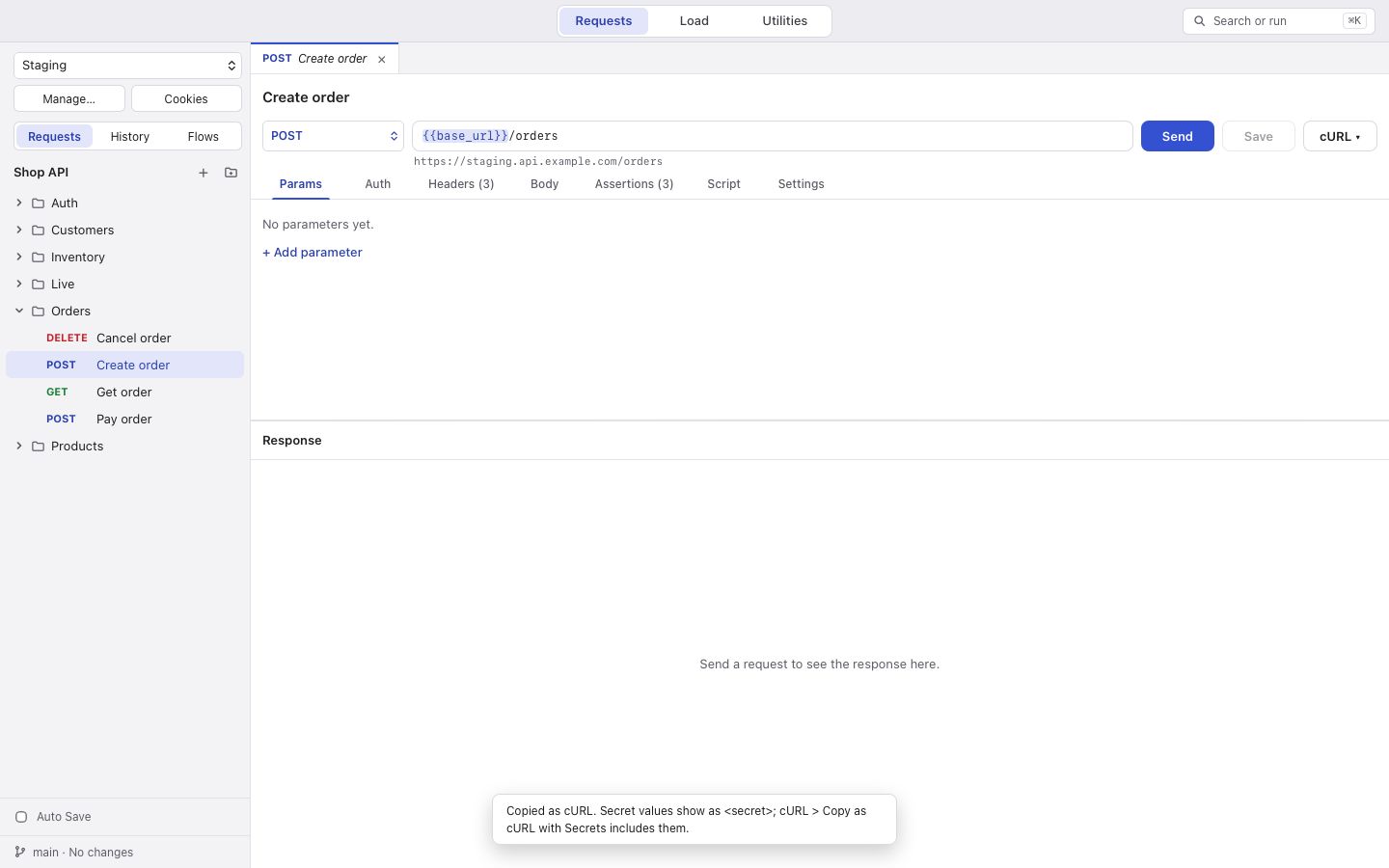
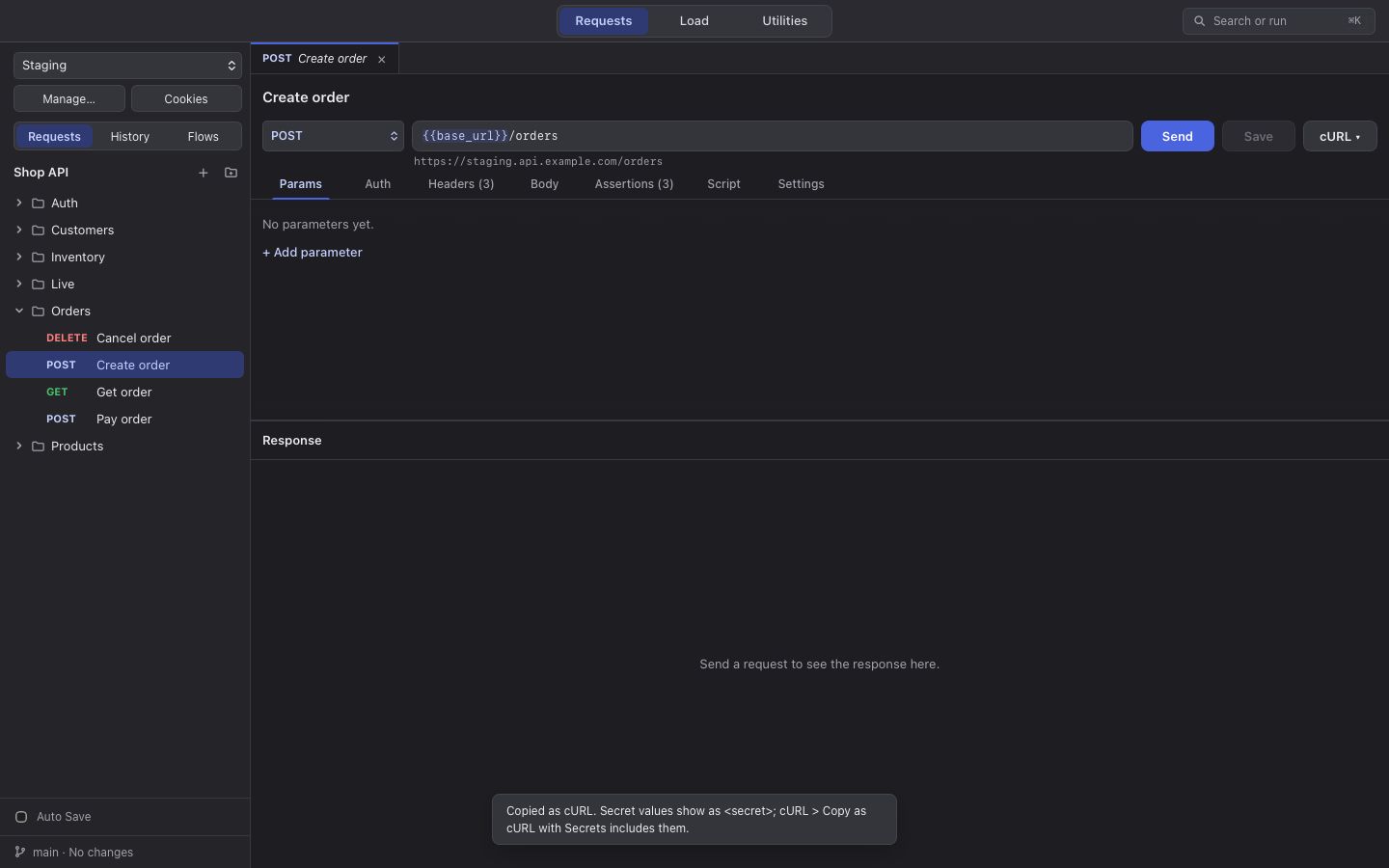
Copy as cURL is also in a request’s right-click menu (the saved request) and in Search or Run…. A small
message at the bottom of the window says it was copied, then goes away by itself. If it cannot be copied (for example, a
variable has no value), the message says why, in the same place.
Nothing is sent, so scripts do not run: a header a Before request script adds is not in the command. An OAuth 2.0
request gets the token from its last send, or <token>. WebSocket, Server-Sent Events and gRPC requests cannot be
copied.
Settings
Section titled “Settings”The Settings tab chooses the proxy for this request (the app’s, none, or its own) and whether to check the server’s certificate. Checking is on; turning it off shows a warning.
Redirects
Section titled “Redirects”korAPI follows up to 10 redirects. After a 303 it sends a GET without a body; after a 301 or 302 that answered a
POST it also switches to GET; 307 and 308 keep the method and the body. Authorization and Cookie headers are
dropped when a redirect goes to another origin.
Tabs and layout
Section titled “Tabs and layout”Clicking a request opens it in a preview tab (its name in italics), which the next one you click replaces. Edit it, save it or double-click the tab to keep it open. ⌘W (Ctrl+W) closes a tab and ⌃Tab (Ctrl+Tab) moves to the next one.
Drag the line between the request and the response to resize them; each keeps at least 200 px, the arrow keys move it 40 px at a time, and korAPI remembers where you left it.